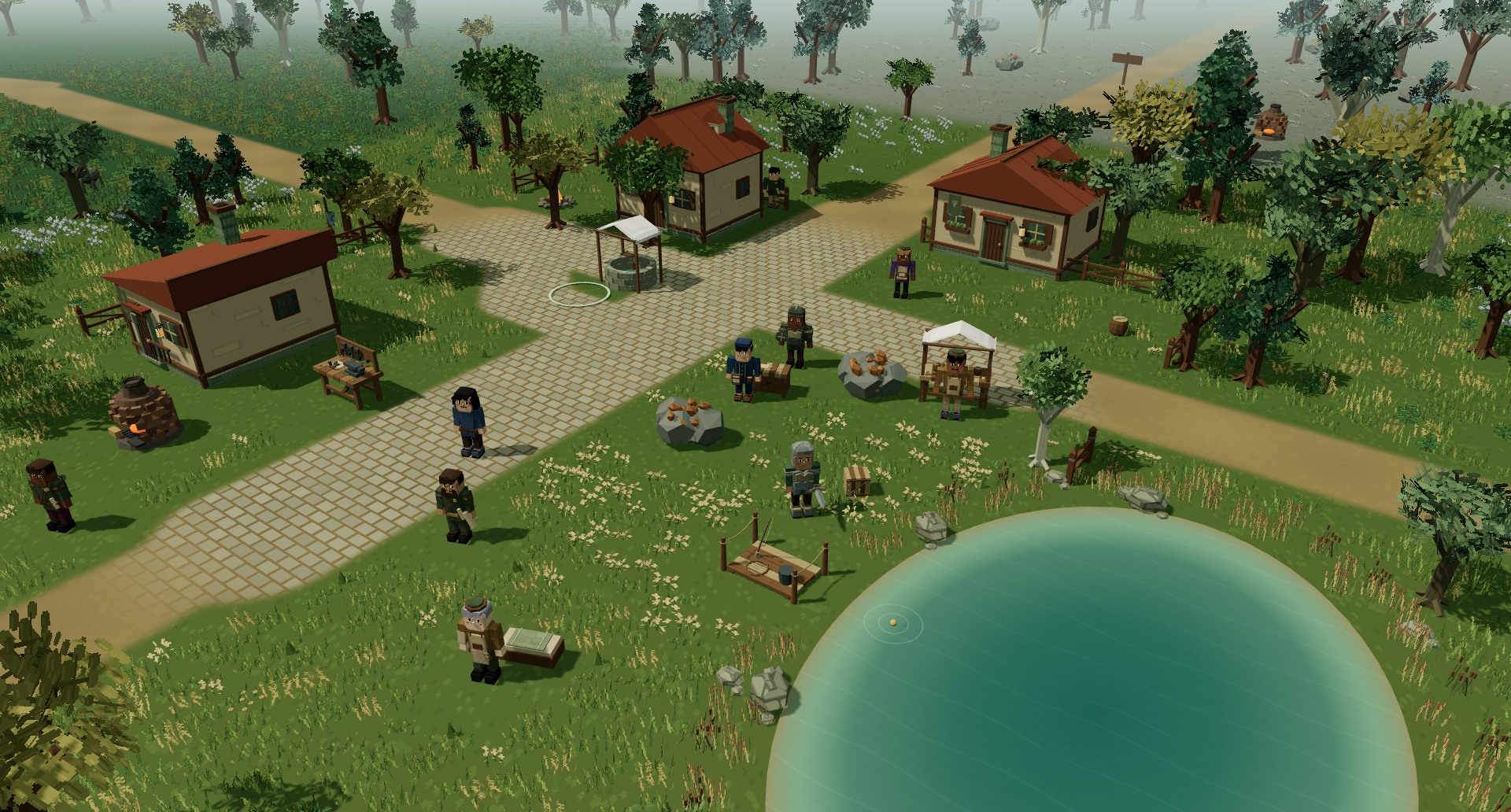
Greenhaven's timber houses, paths and woodland in Elderwood

Free to play · Early Access

Find your place.
Make your way.

An online fantasy RPG where your skills grow through adventure. Gather supplies in Greenhaven, forge your first sword, and venture into the wilderness with friends.

Windows & Linux on Steam. Browser play uses your Steam account.

  • 16 skills to train
  • 100 levels to pursue
  • PvP clan warfare
Take a look around

In-game capture · Early Access

Welcome to Elderwood

Small beginnings.
Plenty to work toward.

Start with a fishing rod, a pickaxe, or a simple blade. Build useful skills, find better equipment, and get to know the people sharing your world.

Choose what to master

Sixteen skills.
Your own path.

Every skill has its own progression toward level 100. Switch between gathering, making supplies, fighting, and supporting your friends. Train all sixteen on one character.

Gather from the world

  • Woodcutting
  • Mining
  • Fishing
  • Herbalism

Find resource sites across the world. Collect herbs for Alchemy and gather materials for your next equipment upgrade.

Make something useful

  • Crafting
  • Cooking
  • Alchemy

Smelt ore at kilns, craft equipment, cook food, and brew restorative potions and buffs. Cooking and Fishing offer active challenges alongside passive training; Alchemy’s active challenge gives a chance at an extra potion.

Fight and support

  • Warrior
  • Ranger
  • Wizard
  • Rogue
  • Defense
  • Health
  • Bard
  • Cleric
  • Necromancy

Equip a sword for Warrior abilities, a bow for Ranger skills, a staff for Wizard spells, or daggers for Rogue stealth and quick strikes. Command a skeleton through Necromancy. Play a lute to support nearby allies, or equip a healing tome for Cleric prayers. Each support skill has its own equipment and progression.

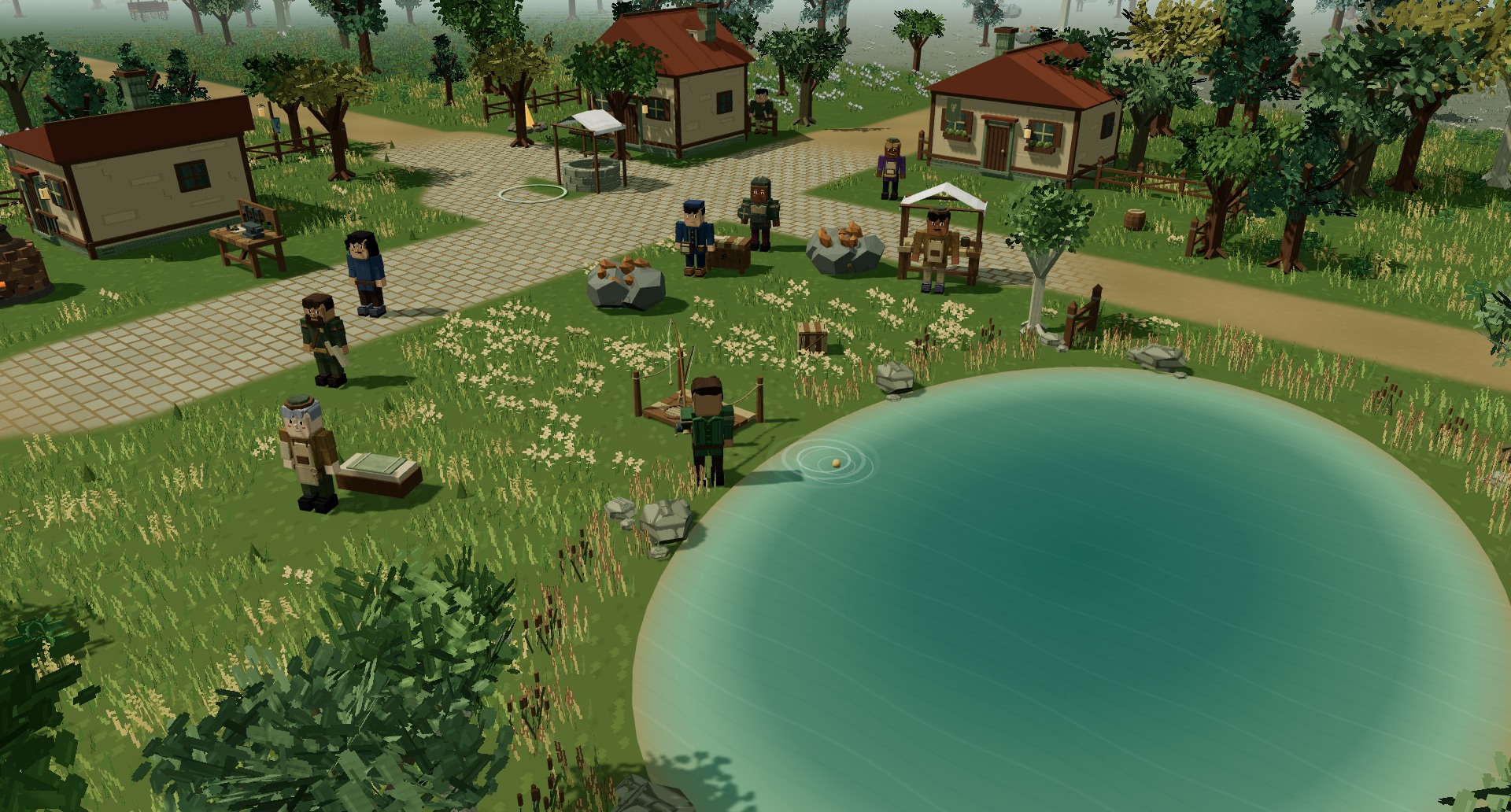
An adventurer fishing beside a reed-lined pond in ElderwoodA quieter kind of progress

01 Make something useful

Your next upgrade
starts with you.

Fish, mine, cut wood, and harvest herbs. Smelt ore at a kiln, craft equipment, cook supplies, and turn herbs into potions with Alchemy. Train each skill toward level 100 and prepare for the next stretch of your journey.

Herbalism · Alchemy · Gathering · Crafting · Cooking

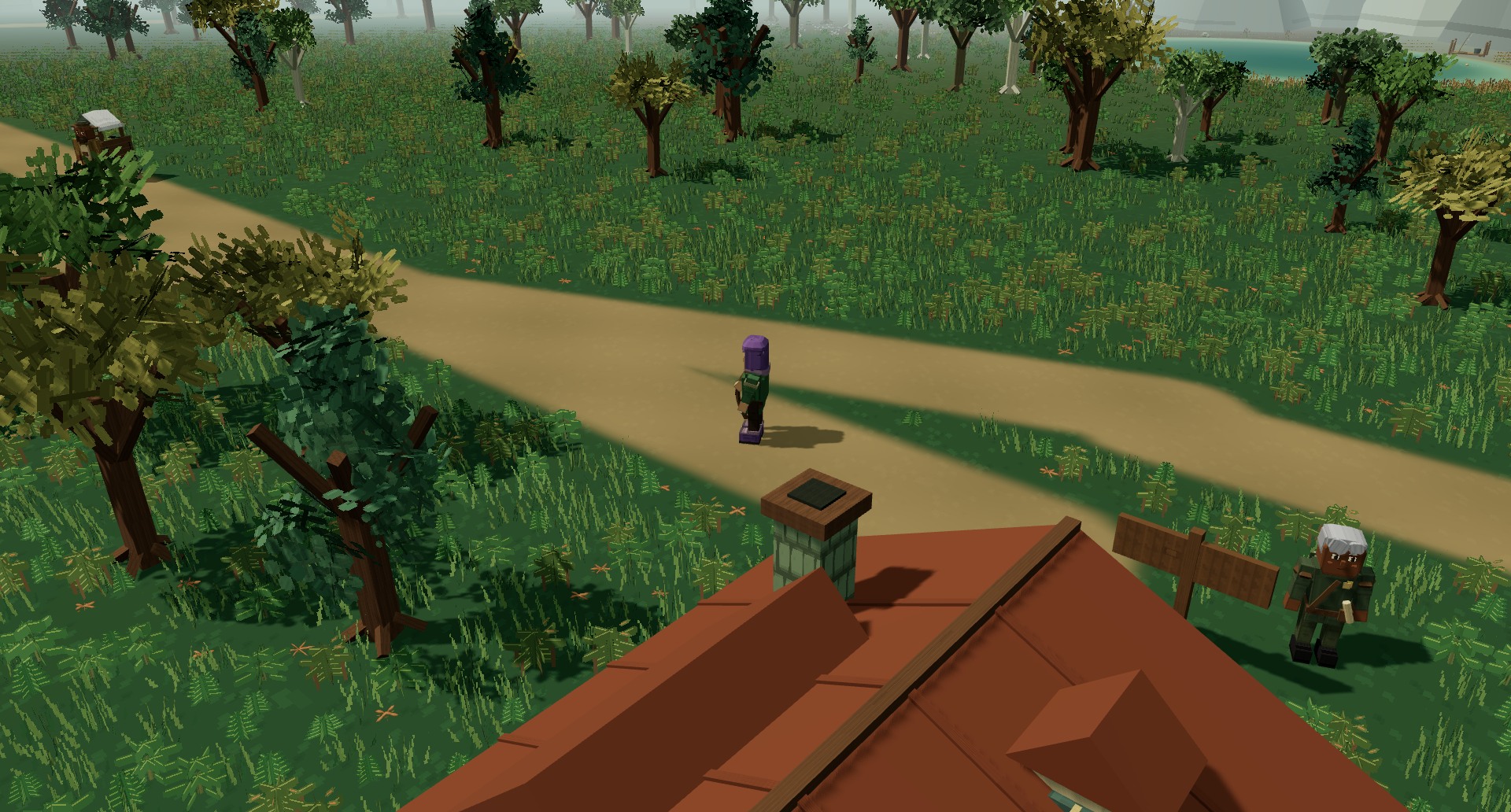
An adventurer on a woodland trail surrounded by painted trees, ferns and grassesFollow the path, then leave it

02 Go a little further

There is more
beyond town.

Follow quests through forests, mines, and ancient ruins. Fight with swords, bows, daggers, or Wizard spells. Bring a lute for Bard songs, or equip a Cleric’s tome to heal allies, increase their maximum health, and offer resurrection to fallen party members.

Use the group finder to find allies for world bosses, with recommended party sizes and rewards shown before you set out. Trade through the Bazaar, bank your valuables, and uncover the world through exploration.

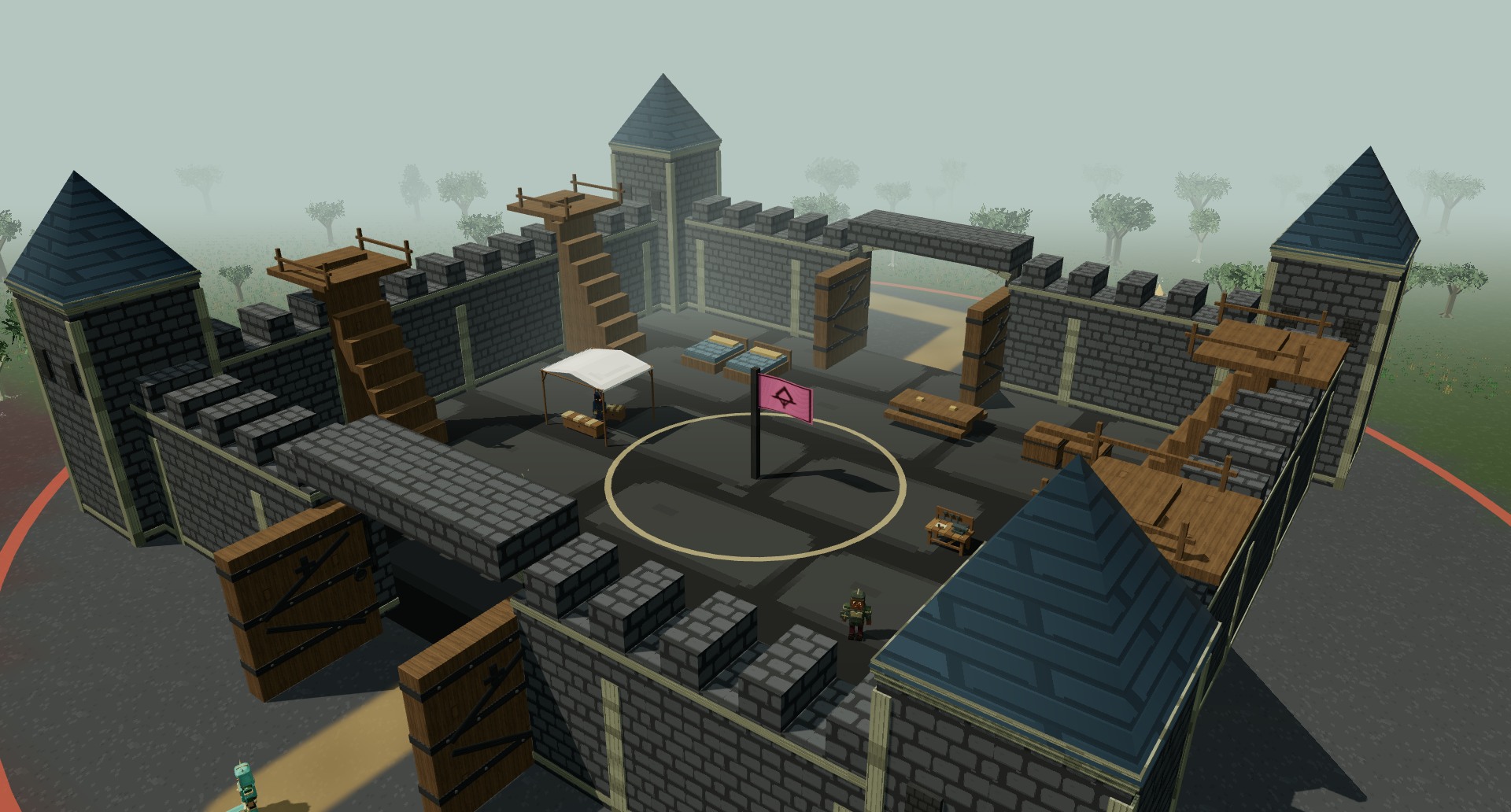
Thornwatch Keep's stone walls, towers and gates in Elderwood

03 Stand together

Make your clan
a force in the world.

Rally your allies, break through rival gates, and fight for capturable keeps. Contribute gold and materials to your clan’s keep. Leaders can spend the shared treasury on stronger walls, gates, and decorative banners. Enjoy the benefits of ownership—until another clan comes for the walls.

Know your risk. PvE deaths preserve your gear and gold. In designated PvP areas, defeat leaves your carried items and gold in a public loot bag for up to 30 minutes. Banked valuables stay safe.

Keep reaching further

More to earn.
More to make your own.

Build your equipment, your stable, and your place in the world through play.

Equipment

A craft worth keeping.

Crafted equipment can range from Junk to Legendary, with tier-scaled random bonuses to attributes, damage, defense, health, or skill XP. Strength, Agility, Intellect, Stamina, and Spirit support different builds, alongside Critical Strike, Haste, Mastery, and Versatility. Junk is scrap with no equipment stats. Weapons, armor, helmets, boots, and rings stay as individual pieces, preserving their modifiers when banked or traded.

Horses & riding

Put your gold to work.

Keep the horses you earn through adventure, or buy four horse tiers and sequential riding training from Hazel’s stable. Purchased horses range from +45% to +90% travel speed outside PvP; all horses are limited to +20% in PvP.

Riding training is separate from the 16 level-based skills. Horses and training stay unlocked for your character after death.

Gold collection

Wear what you have earned.

Spend adventuring gold at general merchants on exclusive titles and Copperleaf, Silvercrest, and Golden Sovereign mantles. These permanent account cosmetics give no combat bonuses and are equipped through your cosmetic wardrobe.

Adventure together

Find your group.

Use global, local, party, and clan chat to stay connected. Find allies through the group finder and take on world bosses. Attacks and support actions generate threat; Warrior taunts and your summoned skeleton can help draw enemy attention away from allies.

Three ways to support

A song. A prayer. A skeleton.

Bard songs strengthen nearby allies and provide gradual healing. Clerics use tiered tomes for direct healing, maximum-health blessings, Renew healing over time, and resurrection. Necromancers equip grimoires and command one skeleton with attacks and defensive abilities.

Your skeleton follows you, fights the target you click, and must stay close to its summoner.

Your interface

Keep the world in view.

Move, resize, collapse, or hide gameplay windows. Keep party and pet health in compact frames, and assign equipment, food, potions, or class abilities to your 1–0 toolbelt. Adjust interface opacity, remap your keys, and choose graphics settings for your device. Import and export interface addons for layouts, themes, inventory filters, and item or skill trackers.

Interface addons customize the display. They do not run gameplay scripts or automate your character.

Your bank

A place for everything.

Visit a banker to organize your belongings in Items, Reagents, and Currency tabs. Keep equipment and supplies separate from crafting ingredients, gold, tokens, marks, and sigils. Search compact item slots, inspect bonuses, and deposit a category with one button.

Spare-item deposits keep equipped gear, food, potions, arrows, and travel runes. Shared account storage is an optional upgrade, accessed only through bankers.

Player trading

Find your next upgrade.

Browse the Bazaar by category with item icons, rarity colors, seller names, time remaining, and gold prices. Select a listing and quantity before confirming a purchase. Sell your own items through seven-day, fixed-price listings; a 5% fee is deducted from each sale.

Crafted equipment keeps its exact bonuses when stored, traded, or listed.

See the world

From the game itself.

In-game captures of Elderwood’s world and current bank interface. Scenic views hide the interface; characters and the bank inventory are staged for the captures.

Before your first adventure

A few things to know.

The essentials, without the guesswork.

Where can I play?

Elderwood is available on Steam for Windows and Linux. You can also play in a web browser using your Steam account. A native macOS client is not currently available; Mac players can use the browser version.

How do I get started?

Start in Greenhaven with Warden Elara. Her opening chapters introduce the well, gathering, crafting, cooking, combat, and banking. Follow the quest objectives, keep cooked food in your inventory, and bank valuables before entering PvP wilderness.

Click the ground to move. Default shortcuts include B Backpack, C Character, Q Quests, P Social, and M Map. Use 1–0 for assigned toolbelt actions. Open Esc for settings and keybinds.

What happens if my character dies?

PvE deaths preserve your carried gear and gold. In designated PvP areas, your carried items and gold drop in a public loot bag that anyone can collect; bags expire after 30 minutes. Banked valuables remain safe.

You can wait for a party Cleric to offer resurrection or choose Respawn. Watch the PvP / Safe Town indicator before risking your supplies.

Do I have to choose a permanent class?

No. Train all 16 skills on one character. Change your equipment to switch between Warrior swords, Ranger bows, Wizard staves, Rogue daggers, Bard lutes, Cleric tomes, or Necromancy grimoires. The matching class panel opens when you equip its weapon. Tomes and grimoires are support equipment rather than ordinary attack weapons.

How do magic and attributes work?

Wizard, Cleric, Bard, and Necromancy actions use mana. Brew mana potions and restorative teas with Alchemy, and plan your resource use during longer fights. Travel spells still require travel runes.

Gear attributes affect your character’s power, health, mana, and recovery. Secondary attributes shape effects such as critical strikes, attack speed, class mastery, and versatility. Check your Character window and item tooltips to compare gear.

Can I play on a phone or tablet?

The browser client includes touch controls and layouts for smaller screens. Collapse or hide windows to free up space, and reduce graphics settings if needed. You still sign in through Steam. Windows and Linux desktop clients are available on Steam.

What is sold in the shop?

The game is free to play. Optional purchases include cosmetics, supporter packs, account upgrades, and a cosmetic Supporter membership. Some mini pets provide a small gathering XP bonus; other pets are purely cosmetic. Check each item’s description before buying.

Membership rewards include a permanent outfit-and-cape set for each successfully paid period, plus temporary member benefits while the paid period is active. Cancelling stops future renewal; a refund revokes that payment’s reward.

How do I report a bug or get help?

Use Send feedback or Report player from the in-game menu. For guides and community help, visit the Elderwood Wiki or join Discord. Elderwood is in Early Access, so expect fixes, balance changes, and maintenance.

Pull up a chair

Come meet the community.

Find fellow adventurers, ask a question, share a discovery, and help shape Elderwood through Early Access.

A world still growing.

Elderwood is playable now in Early Access. Expect bugs, balance adjustments, maintenance, and ongoing improvements. Share your feedback through the game, Steam discussions, or Discord.

Explore Elderwood on Steam ↗
Close